
Shepherd Features: Knowledge, Documents and Analytics
Start with the material your team already works with: a document, a spreadsheet, a system map or a question. Follow the capability that helps you turn it into something the next person can use.
Knowledge with a Review Trail
Bring source material into a working space, inspect extracted information and resolve conflicting statements before accepting them into reviewed knowledge. Questions and decisions stay connected to the material that supports them, so a later reader can inspect the basis of an answer.
For example, a procedure and a later bulletin may state different inspection intervals. Keep both versions, identify the passages that disagree and record the reviewer’s decision. A suggested answer helps locate the issue; the review record explains which source applies and why.
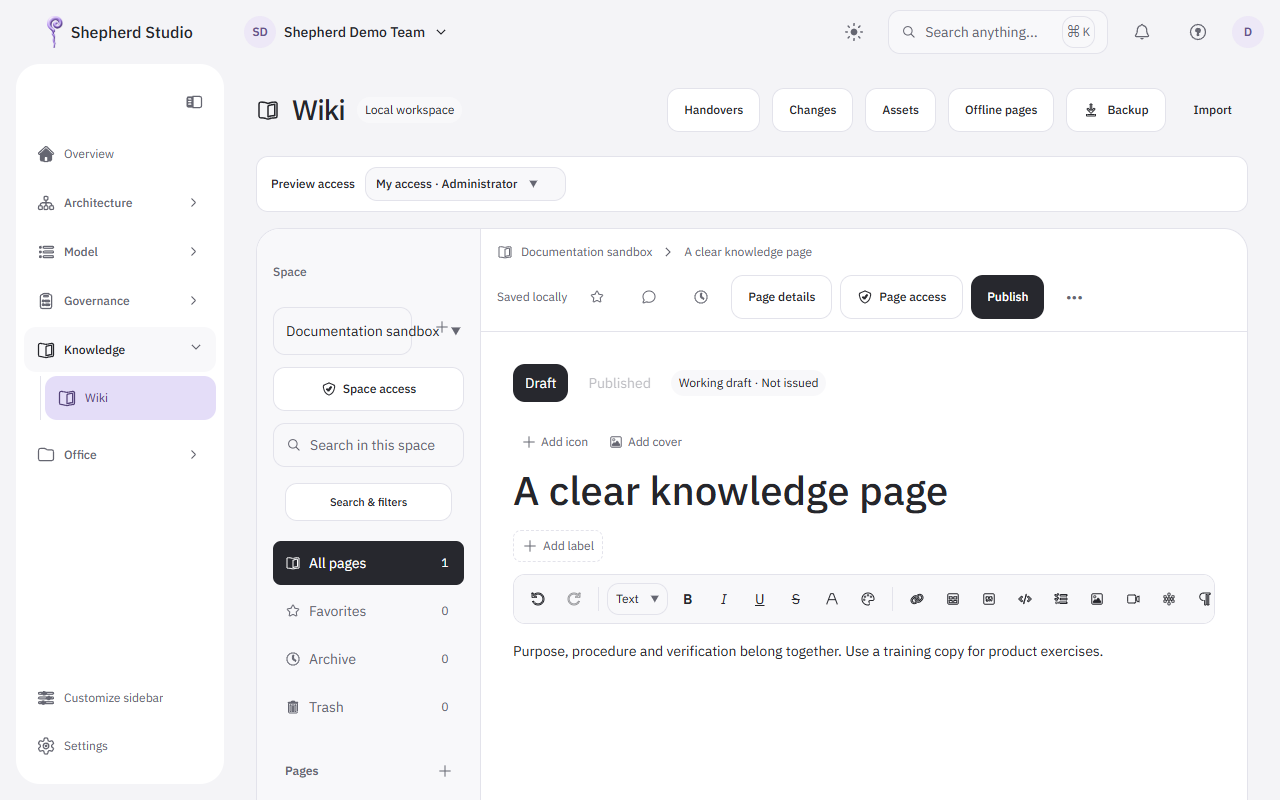
Documents and Office Work in the Same Workspace
Write, Grid, Present and PDF tools support the everyday outputs around technical work: a review note, an editable spreadsheet, a presentation and a source document. Use the editor suited to the material, then carry the relevant information into the team’s next step.
An imported file should remain useful when another person receives it. Check a representative document after editing and exporting: a table, formula, image, font or slide layout can matter more than a successful file-open message.
| Tool | Typical Work | Output to Review |
|---|---|---|
| Write | Draft a brief or revise a technical note | DOCX structure, tables and exported layout |
| Grid | Inspect a workbook, compare values and prepare a table | Formulas, headers, units and exported cells |
| Present | Organize the findings for a meeting | Editable slide objects and presentation layout |
| PDF and OCR | Read original pages and extract text where configured | Page references, extraction accuracy and tables |
Technical Data with Explicit Mappings
Start a chart with the actual columns, their units and the scope being displayed. Shepherd’s petroleum workflows include well-log skills and specialist chart families. Their usefulness depends on the source series supplied to them, not just the shape of a chart template.
The supplied Danielson LAS display file, for example, contains depth, gamma ray, interpreted porosity and water-saturation curves. It can support a depth-aligned preview of those channels. A permeability chart needs a permeability series of its own; a blank or unrelated column should not be used to complete it.
Architecture That Explains a Technical Decision
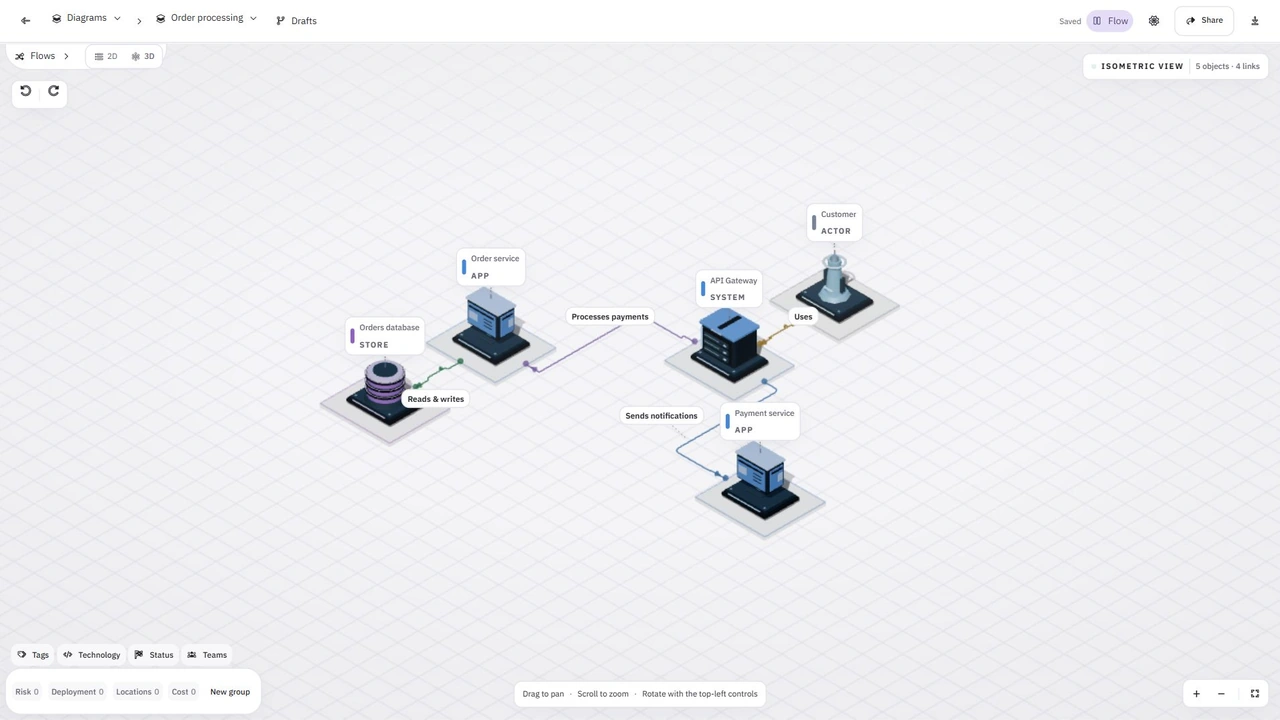
Use system diagrams and 2D or 3D views to make components, boundaries and relationships easier to inspect. A useful overview gives a new reader a route into the system without replacing the detailed documents behind it.
Pair the map with a short explanation of the decision: what changed, which dependency is affected and which question is still open. During a handover, the next owner can use the overview to locate the relevant design material instead of reconstructing the original discussion.
Repeat a Reviewed Sequence of Work
Workflow templates describe a repeatable sequence of inputs, processing steps and outputs. Review the source path, mappings and installed skills before running a template. Give the resulting file or table an explicit scope so the next step receives the intended material.
The supplied well-log template is a practical example. Its LAS filename must match the input reference, the reader runtime must be installed and its output limit must be understood. Importing that template is preparation; an executed run and its reviewed output are separate evidence.
Keep Ownership and Working Context Visible
Files, reviewed knowledge, Wiki pages, mail and calendar workflows serve different parts of a team’s work. Choose the tools needed for the task and agree who maintains the source, reviews the result and takes the next action.
Local-first work and shared server work have different dependencies. File permissions, shared versions, processing workers and configured providers belong to the actual operating setup. A focused pilot should establish which parts your team uses and who operates them.