
Documents, Spreadsheets, Presentations and PDFs
Technical work rarely arrives in one format. Bring the narrative, numbers and source documents together, and check what survives each import, edit and export.
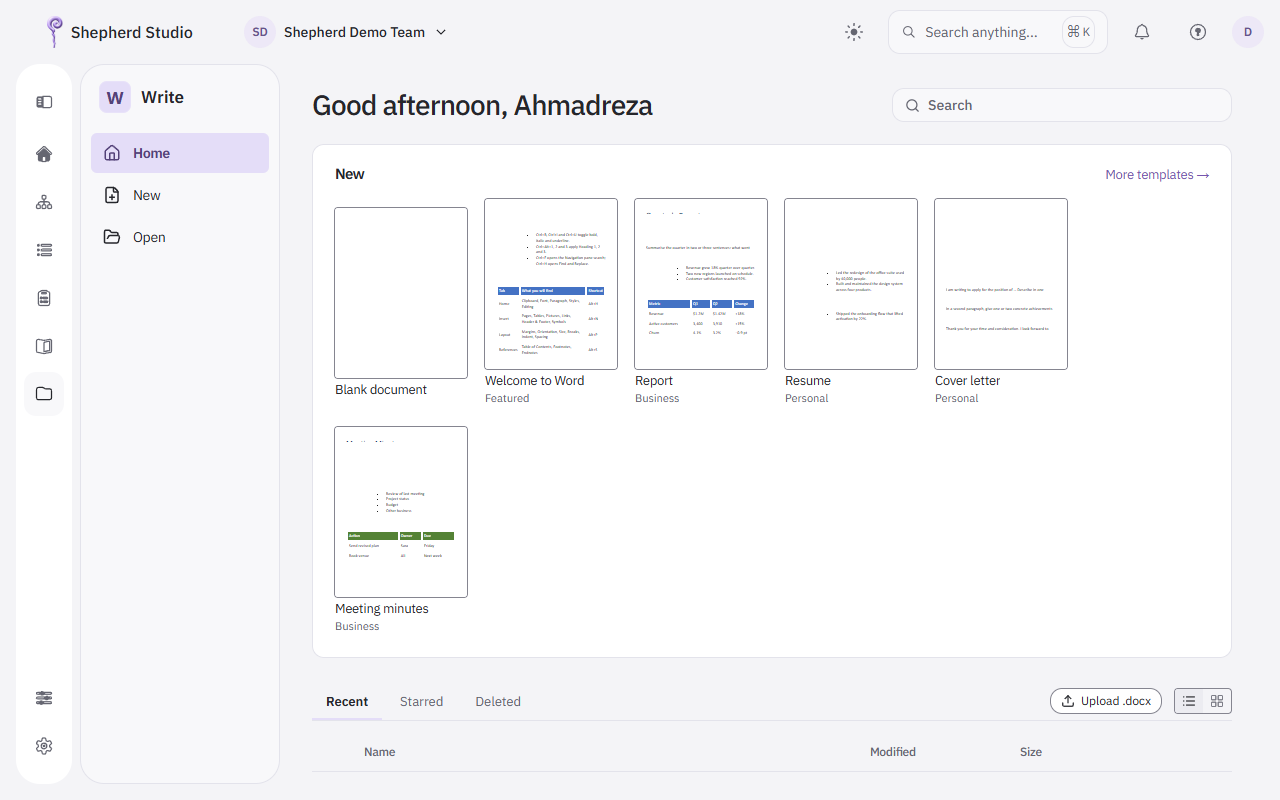
Write, Grid and Present
Use Write for structured documents, Grid for the numbers behind a discussion and Present for an editable narrative. DOCX, XLSX and PPTX workflows help carry familiar files into the workspace.
Test your actual complex files before a rollout. Macros, specialized objects, fonts, chart styles and unusual layouts need their own acceptance checks; format support alone does not establish perfect round-trip fidelity.
Read Scans with a Review Step
PDF and OCR workflows can turn a scan into text or tables when the required reader/provider is configured. Compare the result with the image, correct obvious errors and retain the original. A detected table can still contain an incorrect number.
Use the Right Persistence Context
Local-first workflows and server file versioning solve different needs. Confirm where a file is stored, who can access it and whether the required sharing/version features are enabled in your deployment.
- Keep the source file beside reviewed outputs.
- Agree which export is the deliverable.
- Check Persian text, tables and charts in real samples.